AI Timeline Maker
Build timeline diagrams from plain English with a free AI timeline maker. Generate historical, project, or product timelines and export as SVG.
Sign up free — get 3 AI generations on the house.
Generate with AI — FreeExample outputs
Real diagrams our AI has produced from prompts like this one.
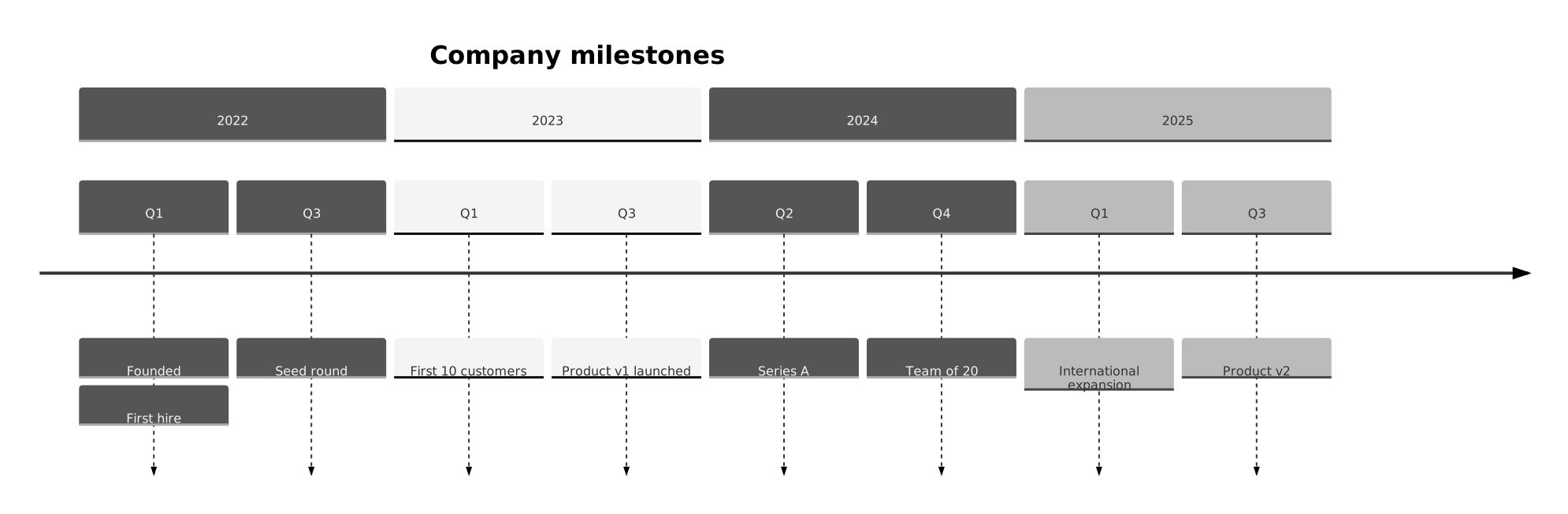
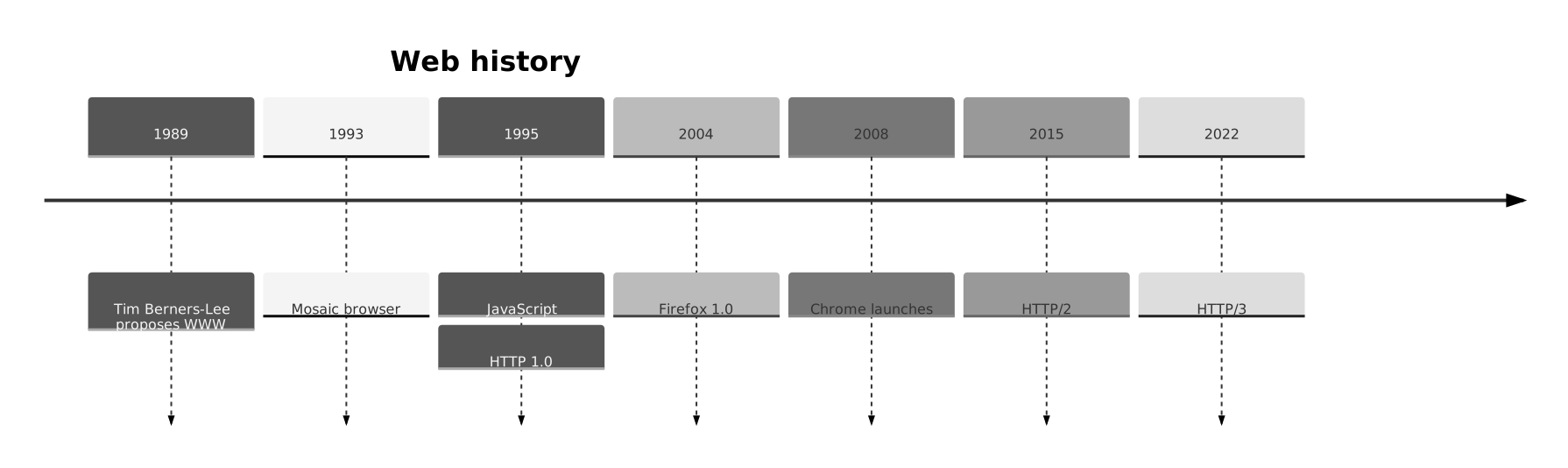
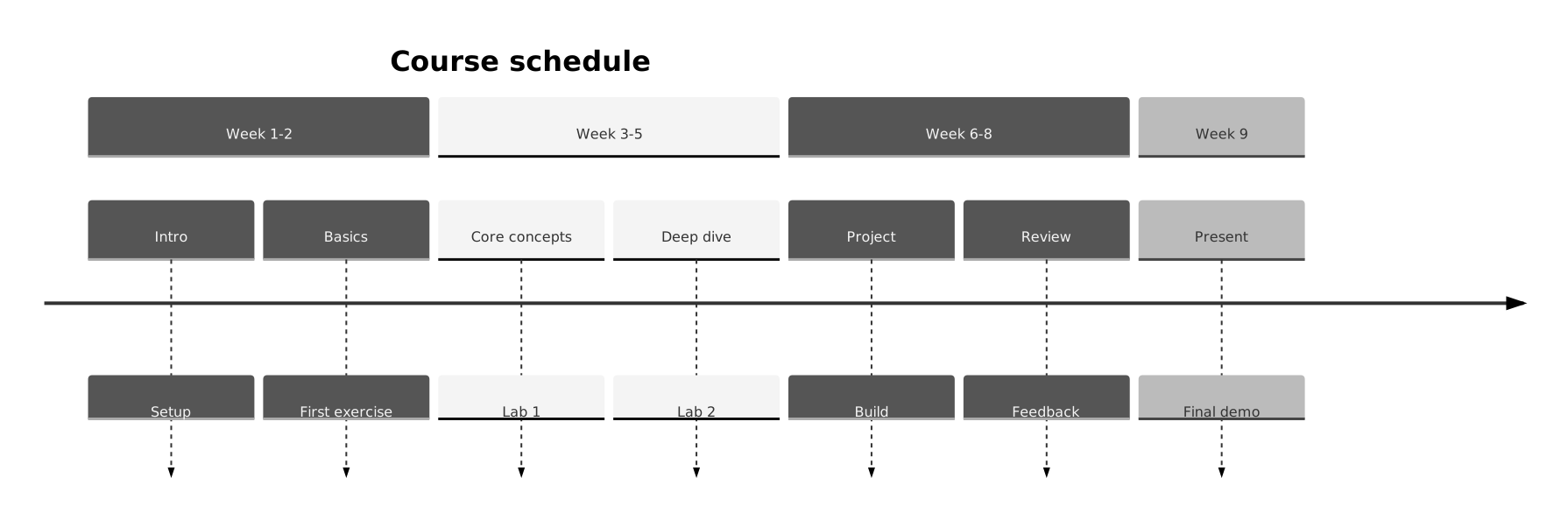
What is a timeline?
A timeline is a diagram that places events in chronological order along a single axis. Each entry is anchored to a date or period and typically carries a short label describing what happened, so readers can scan the sequence quickly.
Timelines are most useful when order and spacing matter. Whether you are documenting the history of a company, the milestones of a product, or the phases of a research project, a timeline lets you show how events relate to one another in time without forcing the reader to piece that together from prose.
Who uses timelines?
- Students and teachers explaining historical events or scientific discoveries
- Product managers mapping release milestones and roadmap phases
- Project leads summarizing key deadlines and dependencies for stakeholders
- Writers and journalists framing the chronology of a story or investigation
- Marketers creating brand or campaign timelines for case studies
- Researchers documenting the evolution of a field, technology, or idea
- Founders telling their company story in pitch decks and About pages
Why generate timelines with AI?
Timelines look simple, but producing a good one is surprisingly tedious. You have to gather the right events, decide which ones matter, order them, and then lay them out so the spacing and labels read well. An AI timeline maker handles the structural work so you can focus on what belongs on the timeline in the first place.
You describe the subject in a sentence or two, list the milestones you care about, and the AI produces a clean, ordered timeline you can refine. If you forgot an event, add it to your prompt and regenerate, or edit the diagram text directly.
FlowCraft outputs Mermaid-compatible timelines, which means the diagram is stored as readable text. You can version it, share it, or drop it into documentation without being locked to a proprietary file format. Every timeline you generate is free to export as SVG or PNG, and you can publish it with a public share link so readers do not need an account.
How to use the AI timeline maker tool
- Write a short description of the timeline you want. Include the topic, the time range, and the milestones you want highlighted.
- Click generate. The tool returns an ordered timeline with each event labeled and anchored to its date.
- Review the output and check that the events and ordering match your intent. Revise the prompt if you want to add context, shift emphasis, or include more milestones.
- Export the timeline as SVG for crisp use in slides, reports, and blog posts, or as PNG for quick sharing.
- Share a public link so teammates, readers, or reviewers can view the timeline in the browser without signing in.
FAQ
Can I make both historical and project timelines?
Yes. The timeline generator works for any chronological subject. Historical timelines, product roadmaps, personal career timelines, research milestones, and campaign schedules are all fair game. Just describe the time range and the events that matter.
How detailed can the timeline be?
You can include as many events as your description covers. For readability, most effective timelines hold between five and fifteen events. If you have more, consider splitting the subject into multiple timelines or grouping events into phases.
Is the timeline tool free?
Yes. FlowCraft includes three free AI diagram generations, so you can produce timelines without a paid plan. Free users can export as SVG or PNG and create public share links. Paid plans exist for users who need more generations or additional features.
Create your own with AI Timeline Maker — free
Sign up and get 3 AI generations on the house. Export to SVG, PNG, or share a public link.
Related AI diagram tools
Try another free generator from FlowCraft.
- Open tool
AI Gantt Chart Maker
Build Gantt charts from plain English with AI. Free online Gantt chart maker with Mermaid export, SVG/PNG download, and public share links.
- Open tool
AI User Journey Map Creator
Create user journey maps from plain English with AI. Free online journey map tool with Mermaid export, SVG/PNG download, and public share links.
- Open tool
Free AI Flowchart Maker
Create flowcharts from plain English with a free AI flowchart maker. Generate, edit, and export diagrams as SVG or PNG in seconds.
- Open tool
AI Sankey Diagram Generator
Create Sankey diagrams from plain English with a free AI Sankey generator. Visualize flows, budgets, and energy data and export as SVG or PNG.