AI Timeline Generator
AI timeline generator. A timeline arranges events in chronological order along a single axis, grouping them by period so you can see how a story, project, or…
Sign up free — get 3 AI generations on the house.
Generate with AI — FreeExample outputs
Real diagrams our AI has produced from prompts like this one.
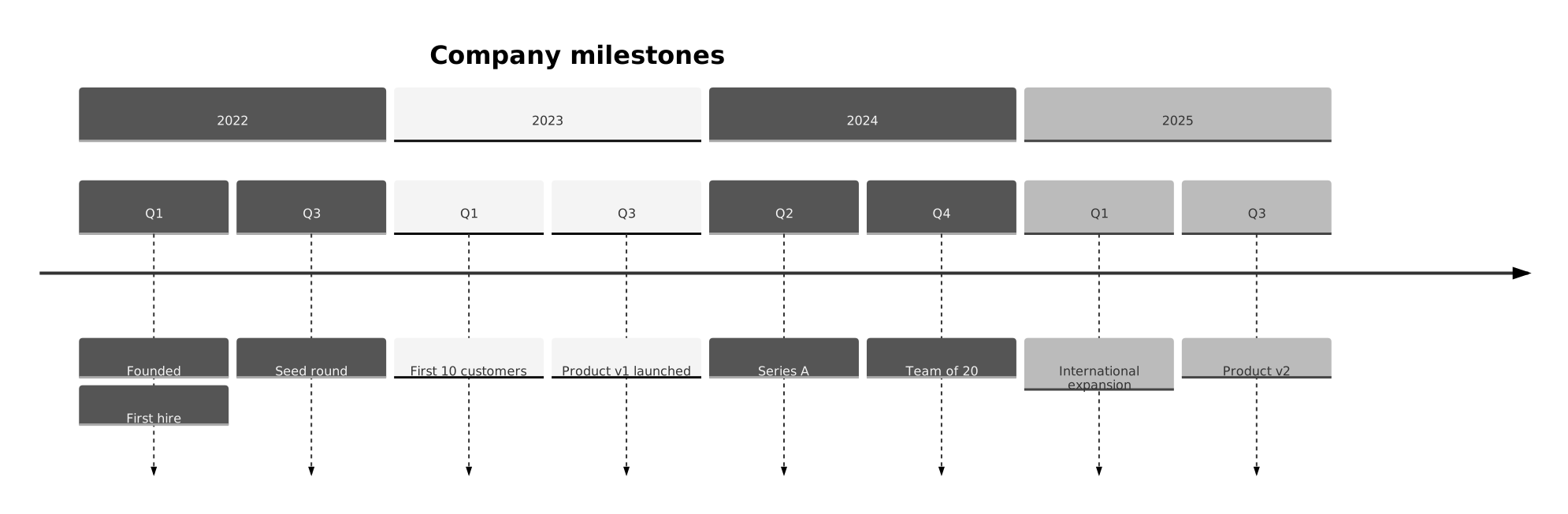
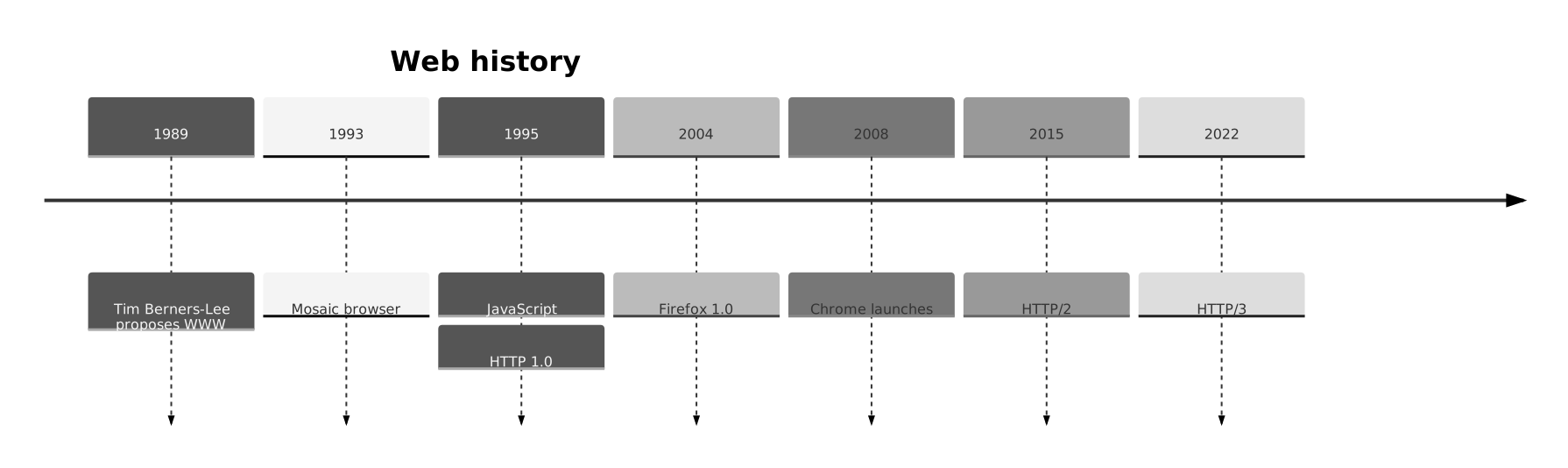
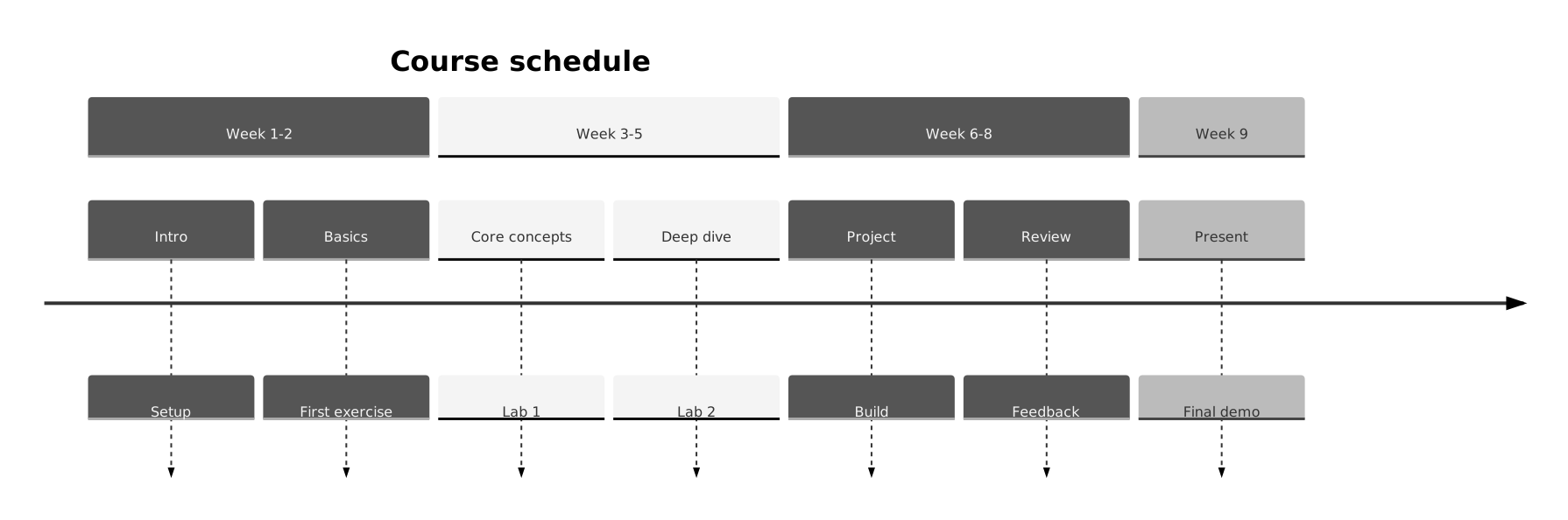
AI Timeline Generator turns a plain-English description into a timeline you can export, share, or drop straight into your docs. No drawing tools, no syntax cheat-sheets — just describe what you need and get a clean Mermaid-compatible diagram back.
What is a timeline?
A timeline arranges events in chronological order along a single axis, grouping them by period so you can see how a story, project, or history unfolded. Each event gets a date or period and a short description.
Timelines are the ideal visual when sequence matters more than duration. Product roadmaps, company histories, incident retrospectives, project post-mortems, and historical overviews all gain a lot from a clean timeline.
Who uses timelines?
- Product teams publishing release histories and roadmaps
- Founders pitching company milestones and progress
- SRE teams walking through incident post-mortems
- Historians and educators teaching chronological narratives
- Marketing teams presenting campaign or launch histories
- Project managers reporting phase-by-phase progress
- Researchers documenting timelines of events or experiments
- Students preparing study material for history and science
Why generate timelines with AI?
Timelines are deceptively simple: a horizontal axis and some events. But formatting one cleanly in presentation tools eats a surprising amount of time, and the output is hard to update.
Generating a Mermaid timeline from a plain bullet list of dates and events means you can replan or append new events with one re-run. The timeline lives in Markdown, renders on GitHub, and updates as the story does.
How to use the AI Timeline Generator
- List your events with their dates or periods, grouped into sections if useful (e.g. "Q1", "Q2", "Q3").
- Paste the description into the AI Timeline Generator prompt box and click Generate.
- Review the timeline; request changes like "add a launch event in Q3" or "group the first three events into a Founding section".
- Export as SVG, PNG, or Mermaid source to drop into your roadmap, retrospective, or all-hands.
- Save it to your workspace so you can extend it as new milestones happen.
FAQ
Can I group events into phases or periods?
Yes — Mermaid timeline supports section headers. Mention the grouping in your prompt ("phase 1: research, phase 2: build") and sections render with their own labels.
Can a single date have multiple events?
Yes. List them on the same date in your description and the generator stacks them on that point.
Can I include descriptions or links with events?
Short descriptions yes. Mermaid doesn't render hyperlinks in timelines, but the source is portable Markdown and you can add links around the embedded diagram.
Create your own with AI Timeline Generator — free
Sign up and get 3 AI generations on the house. Export to SVG, PNG, or share a public link.
Related AI diagram tools
Try another free generator from FlowCraft.
- Open tool
AI Timeline Maker
Build timeline diagrams from plain English with a free AI timeline maker. Generate historical, project, or product timelines and export as SVG.
- Open tool
Free Timeline Maker
Free timeline maker. A timeline arranges events in chronological order along a single axis, grouping them by period so you can see how a story, project, or…
- Open tool
Online Timeline Tool
Online timeline tool. A timeline arranges events in chronological order along a single axis, grouping them by period so you can see how a story, project, or…
- Open tool
AI Class Diagram Generator
Create UML class diagrams from plain English with AI. Free online class diagram generator with Mermaid-compatible output and SVG or PNG export.